Skip to content
Weeroona College Bendigo Logo Weeroona College Bendigo Logo Weeroona College Bendigo Logo
  • OUR SCHOOL
    • About Us
    • Our Principal Team
    • Bendigo FLO
      • BFLO Policies
    • Wellbeing
    • Inclusive Community
    • Our School Captains 2025
    • Bendigo Education Plan
    • Public Documents & Policies
      • Child Safe Standards
      • Policies
      • Medical
      • CSEF & Conveyance Allowance Forms
      • Strategic Plan
      • Annual Report
      • Annual Implementation Plan
  • NEWS & EVENTS
    • Upcoming Events
    • Current Newsletter
  • PARENTS / CARERS PORTAL
    • Parent Payment & Booklist
    • Compass
    • Canteen
  • STUDENT PORTAL
    • Library Catalog
    • OnGuard
    • Compass
    • PAT-R Testing
    • Microsoft Office
    • Energy Breakthrough
    • Email Login
  • LEARNING
    • Academic Excellence
    • Global Learning Centre
    • Day Structure
    • Curriculum
  • ENROLMENT
    • Enrolment
    • Transition
    • Elective Booklet
    • Athlete Development Program
    • 2026 Acceptable Uses Agreement
    • BYOD (Bring Your Own Device)
    • Purchasing a Device
  • CONTACT US
  • OUR SCHOOL
    • About Us
    • Our Principal Team
    • Bendigo FLO
      • BFLO Policies
    • Wellbeing
    • Inclusive Community
    • Our School Captains 2025
    • Bendigo Education Plan
    • Public Documents & Policies
      • Child Safe Standards
      • Policies
      • Medical
      • CSEF & Conveyance Allowance Forms
      • Strategic Plan
      • Annual Report
      • Annual Implementation Plan
  • NEWS & EVENTS
    • Upcoming Events
    • Current Newsletter
  • PARENTS / CARERS PORTAL
    • Parent Payment & Booklist
    • Compass
    • Canteen
  • STUDENT PORTAL
    • Library Catalog
    • OnGuard
    • Compass
    • PAT-R Testing
    • Microsoft Office
    • Energy Breakthrough
    • Email Login
  • LEARNING
    • Academic Excellence
    • Global Learning Centre
    • Day Structure
    • Curriculum
  • ENROLMENT
    • Enrolment
    • Transition
    • Elective Booklet
    • Athlete Development Program
    • 2026 Acceptable Uses Agreement
    • BYOD (Bring Your Own Device)
    • Purchasing a Device
  • CONTACT US

BYOD Device Setup

  1. Home
  2. BYOD Device Setup
BYOD Device SetupRhiannon BERRY2024-02-01T15:26:00+11:00

Step 1

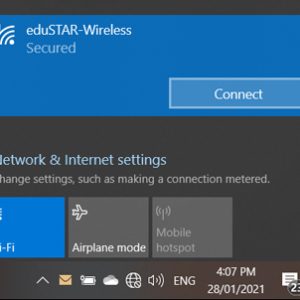
Connect Wireless

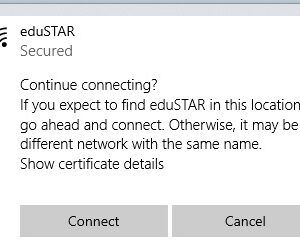
Connect to the eduSTAR WiFi network, your username/email and password have been given to you by the school. Click ‘connect’ when asked to continue connecting. When prompted about network sharing click Yes. Wait for the WiFi to connect.
Step 2

Download & Run Setup

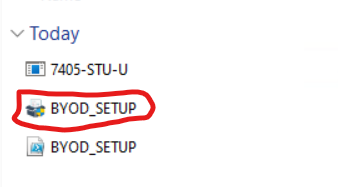
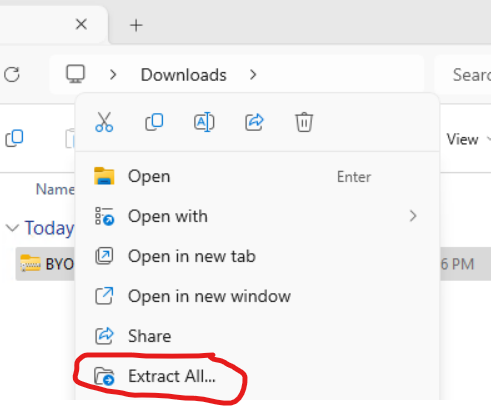
(DOWNLOAD BYOD_SETUP.zip) and Right Click on it and select Extract All to extract the files. then Click On BYOD_SETUP Application.

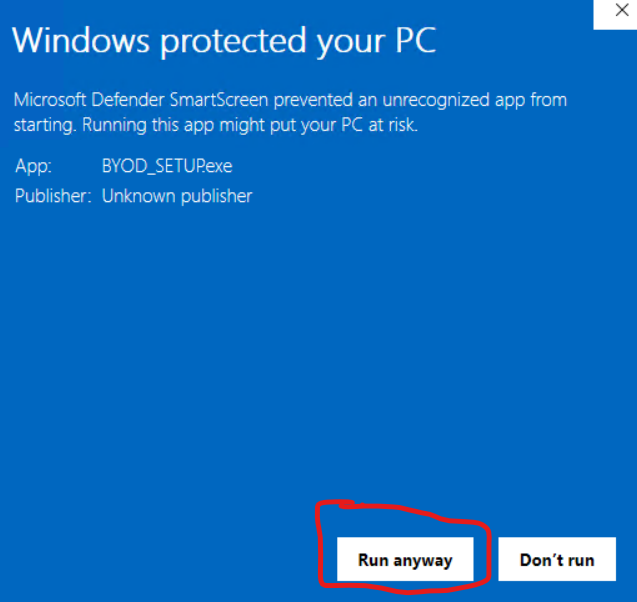
Click On (More Info) then (Run Anyway) on Windows Defender screen.

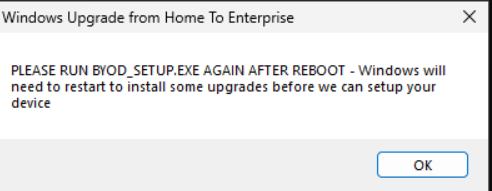
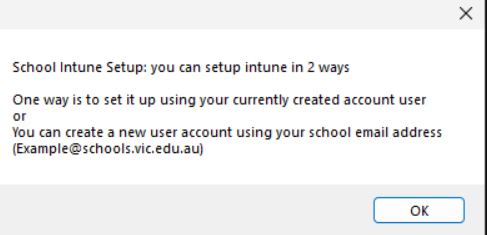
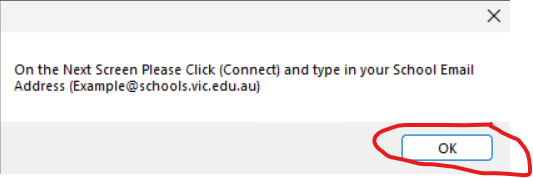
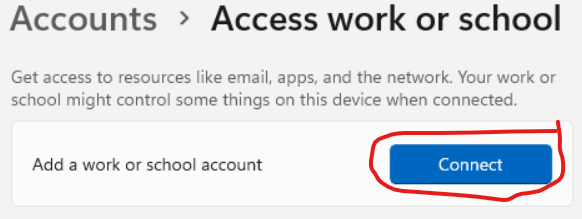
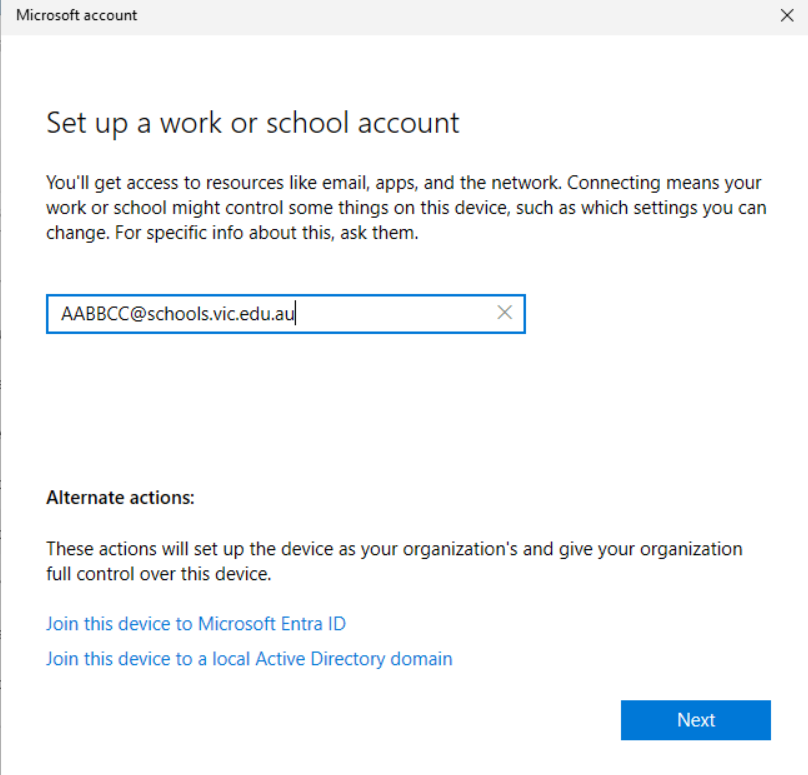
Then Follow the on screen Prompts you may have to run the installer again after it does some upgrades

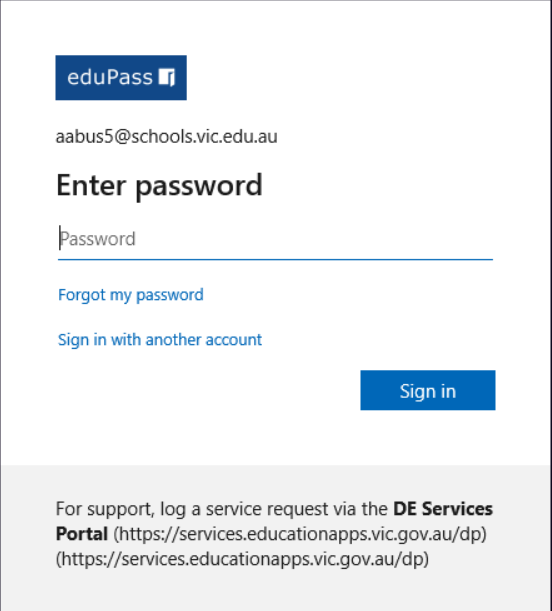
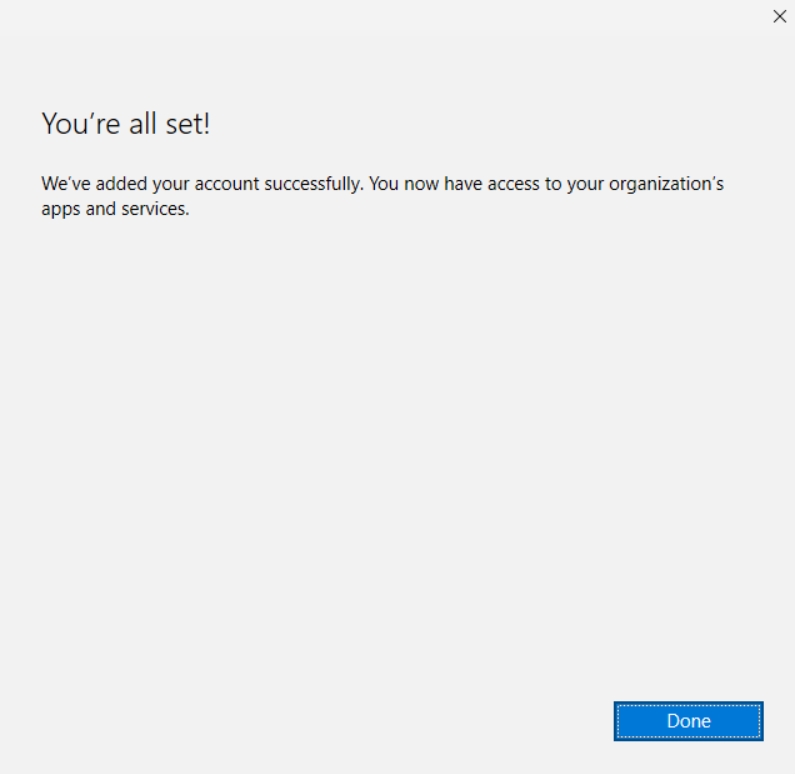
for a visual guide follow the slideshow on the Right   ———->

this will setup windows and install printers and any needed software automatically
CONTACT WCB

    • Mon - Thur   8:15AM - 4:20PM
      Friday   8:15AM - 4:00PM
      Sat - Sun   CLOSED
    • 383 Napier Street
      Bendigo Victoria 3550 Australia
      03 5443 2133
    weeroona.co@education.vic.gov.au
Compass Login

COLLEGE VALUES

Kind, Safe, Learners
Weeroona College Bendigo is a community of Kind, Safe, Learners, where everbody is welcome, respected and challenged to be their best.

WCB LOCATION MAP

© Copyright 2012 -  Weeroona College Bendigo   |   Website by WCB IT  |   Policies   |   Bendigo School Zones   |   Employment
FacebookInstagramVimeoEmailCompassCompass
Close Sliding Bar Area
Page load link
Go to Top